





App Overview:
RMail™ for Zapier enables businesses to intelligently automate message delivery, encryption, certified proof of content delivered, track message status, across thousands of applications—without writing a single line of code. Whether you need to send email or text messages securely, RMail™ simplifies the process through flexible, no-code workflows.
Specifically, RMail for Zapier allows you to:
RMail™ messages by RPost® are trusted by professionals in legal, compliance, sales, and client service teams across the globe.
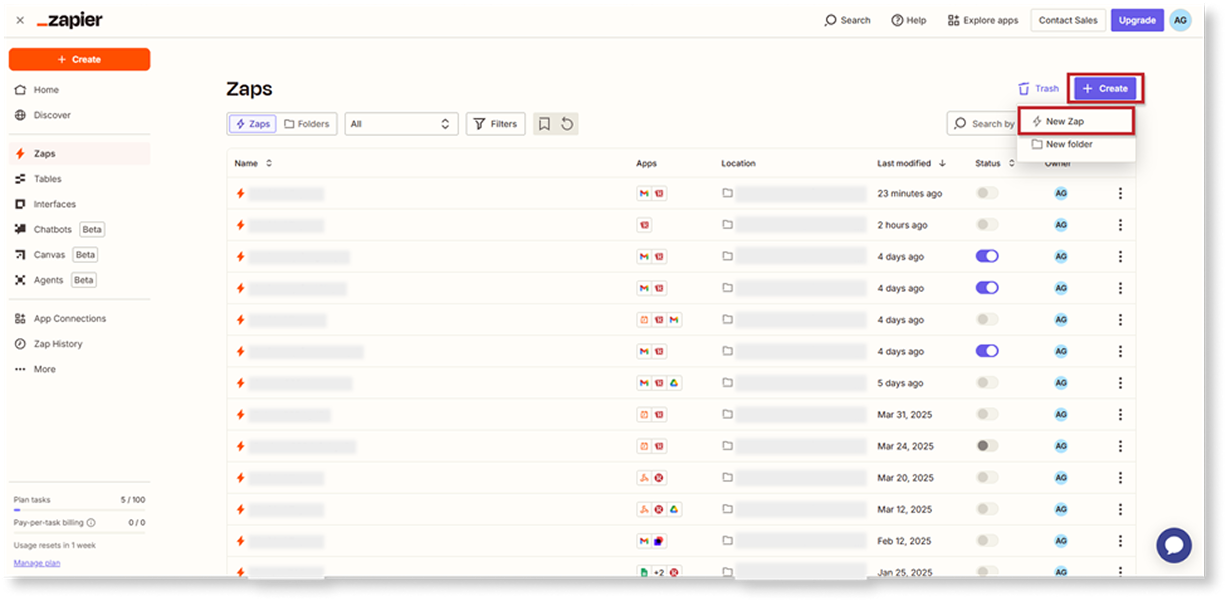
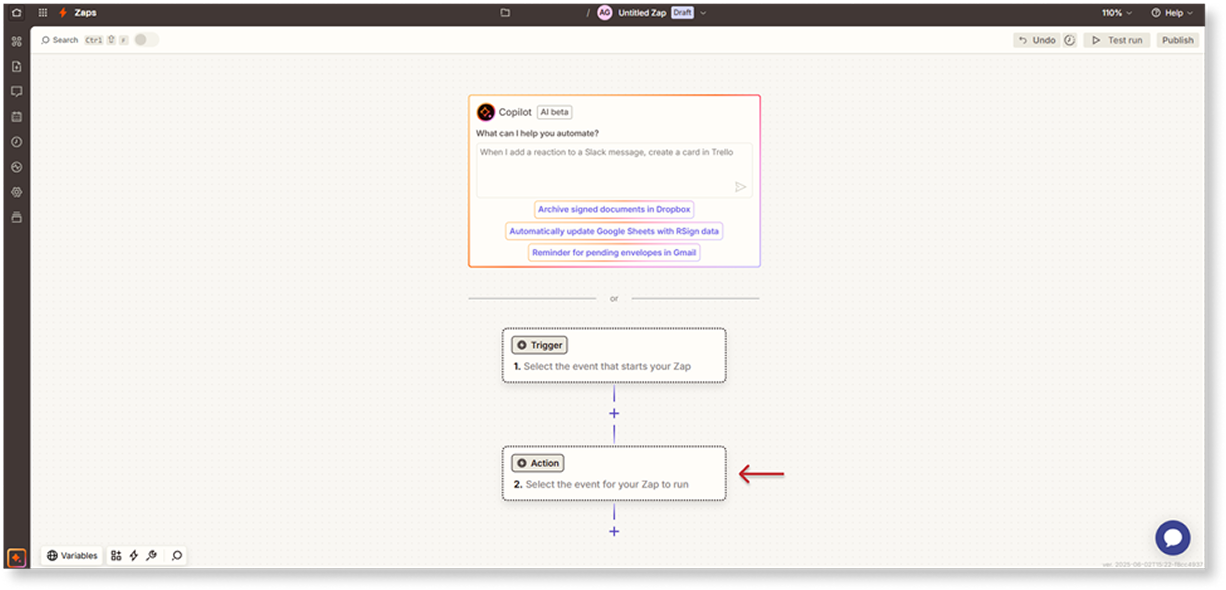
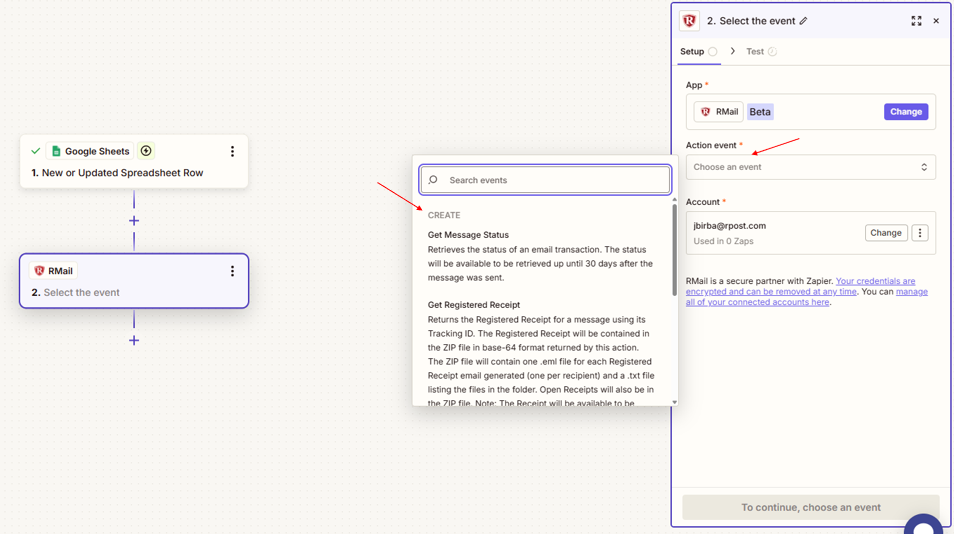
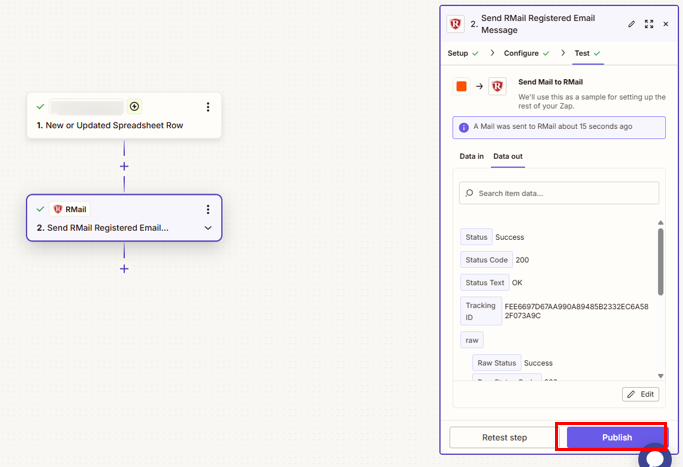
To automate intelligent document workflows with RMail for Zapier:
With RMail™ for Zapier, automate the sending of secure, encrypted messages, and obtain certified proof of delivered content with the court-admissible Registered Receipt™, seamlessly with over 7,000 apps. No coding needed with RMail™ for Zapier - get started today!


We’re helping Shaddock National Holdings and their customers identify and prevent financial damage. Staying safe and protected in a digital world where cybercriminals get more and more sophisticated.
Read More
We’re helping Euronext make markets operate efficiently, securing safe wealth creation opportunities for you.
Read More
We’re helping National Storage Affiliates’ SecurCare Self Storage & iStorage modernize its tenant interactions to improve the tenant experience.
Read MoreRMail for Zapier 1.0.1
RMail interface languages: English, Dutch, German, Danish, French, Spanish, Portuguese, Italian. Zapier interface language, all languages supported by Zapier.
Catalan, Czech, Danish, Dutch, English, Finnish, French, German, Greek, Hungarian, Italian, Norwegian, Polish, Portuguese, Romanian, Russian, Spanish, Swedish, Turkish.
| Operating System | Any |
| Browsers | Any |
| Browser Version | Latest |
| Deployment | company-wide deployment |
| Updates | Automatic upgrades |
| Requirements | Valid RMail and Zapier licenses |
| Licensing | Per user, shared group of users, or usage-based |



 Apps
Apps